
O2/FLP development lab
OBSOLETE: This page is now obsolete, new location at https://alice-flp.docs.cern.ch/Advanced/LabMachines/
General information
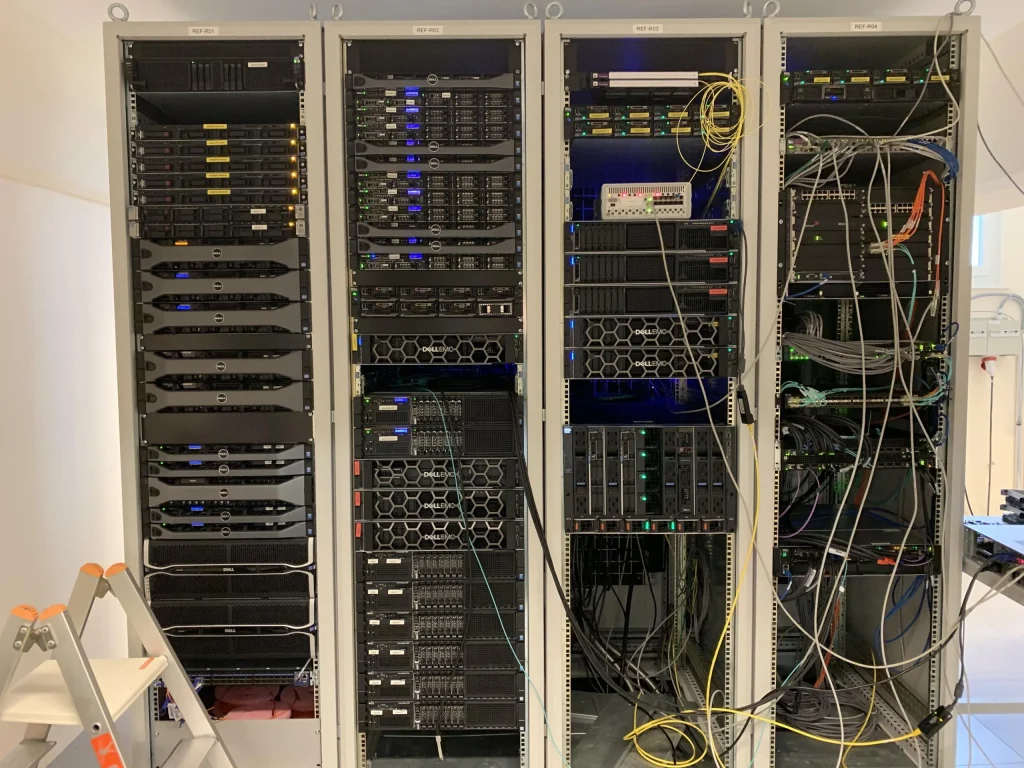
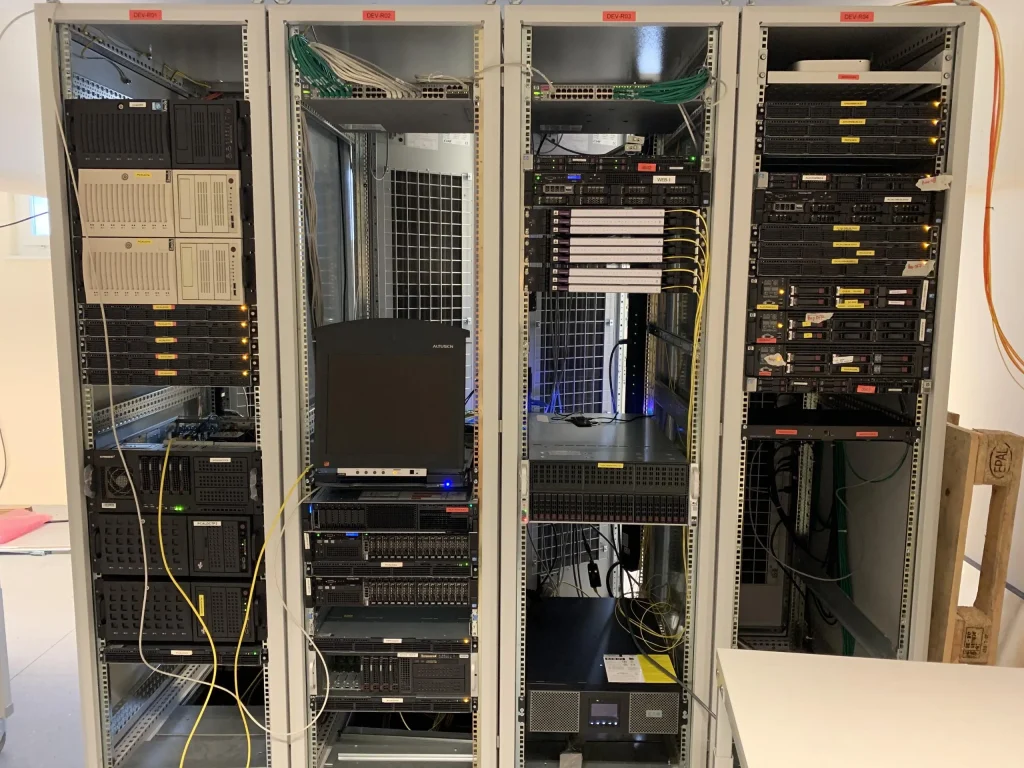
Located in Meyrin (4/S-027), this lab hosts the development hardware for the O2/FLP project.
Racks are labelled 1 to 8 from left to right.
Left side of the lab.
Right side of the lab.
Inventory
| Hostname | Main Users | Notes |
|---|---|---|
| Rack 1 | ||
| aidrefflp01 | Barth | |
| aidrefsrv20 | Teo | Lab Foreman instance |
| aidrefsrv21 | Teo | AliECS dev cluster head node |
| aidrefsrv22 | Teo | Foreman/AliECS development machines |
| aidrefsrv23 | Teo | Foreman/AliECS development machines |
| Rack 2 | ||
| aido2ssd | Adam, Gioacchino | |
| aido2mon | Adam, Gioacchino | |
| aido2qc10 | Piotr | |
| aido2qc11 | Piotr | |
| aido2qc12 | Piotr | |
| aido2qc41 | Gioacchino | |
| aido2qc42 | Gioacchino | |
| aido2qc43 | Gioacchino | |
| aido2fe04 | Teo | AliECS dev machine (GPN connected) |
| Rack 3 | ||
| flpdev1 | Sylvain | equipped with 1 CRU + 1 C-RORC |
| flptest2 | Adam, Vasco | FLP CRU CI builder, FLP Suite release tests |
| aido2-bld4-lab10[1-8] | Teo | AliECS dev cluster FLPs |
| LTU board | Sylvain, Filippo | |
| Rack 4 | ||
| Rack 5 | ||
| pcald03 | Adam | |
| Rack 6 | ||
| flp-kostas | Kostas | |
| pcaldref23 | Kostas | |
| pcald24 | Adam | |
| Rack 7 | ||
| cru-supermicro | PiPPo – Kostas | CRU – CRORC fw development |
| Rack 8 | ||
| aido2osx | Adam, Barth | Mac dev machine (not compatible with KVM, special treatment necessary) |
| aido2osx2 | Adam, Barth | Mac CI builder (not compatible with KVM, special treatment necessary) |
| aido2osx3 | Adam, Barth | Mac CI builder (not compatible with KVM, special treatment necessary) |
| Other | ||
| cru-server3 | Sylvain, Filippo | table in front of the racks, LTU control |
| pcaldadam | Adam | 4/R-002 (Adam’s office) |
| flptest-asus | Vasco | 4/S-059 (rack in CRU lab), FLP Suite release tests |
| Unknown | ||
Re-installation of lab machines
TBD
Required machines
The machines that are required to be on (e.g. following a power cut) are:
aidsrv01
alio2srv01
aido2gw01
aido2gw02
The above 4 machines will take a long time. Be careful: there is one power button for the case and 4 power buttons for the 4 machines.
flptest1
aidrefflp01
pcald03
pcald24
The 3 MACs in the rightmost rack. Be careful: the black MACs have the power button on the front of the rack that does not work well…
aido2osx
aido2osx2
aido2osx3
Be sure that the first 4 machines (the *srv* and *gw*) are up and running – they take a long time! – before powering on:
aidrefsrv20
In the CRU Lab, at the far corner of the room, in the rack, second machine from the top:
flptest-asus